


Microsoft says LG has agreed to remove antivirus pop-up ads from its LG Monitor App Installer after complaints that the software was automatically installed on some Windows PCs when compatible LG monitors were connected.
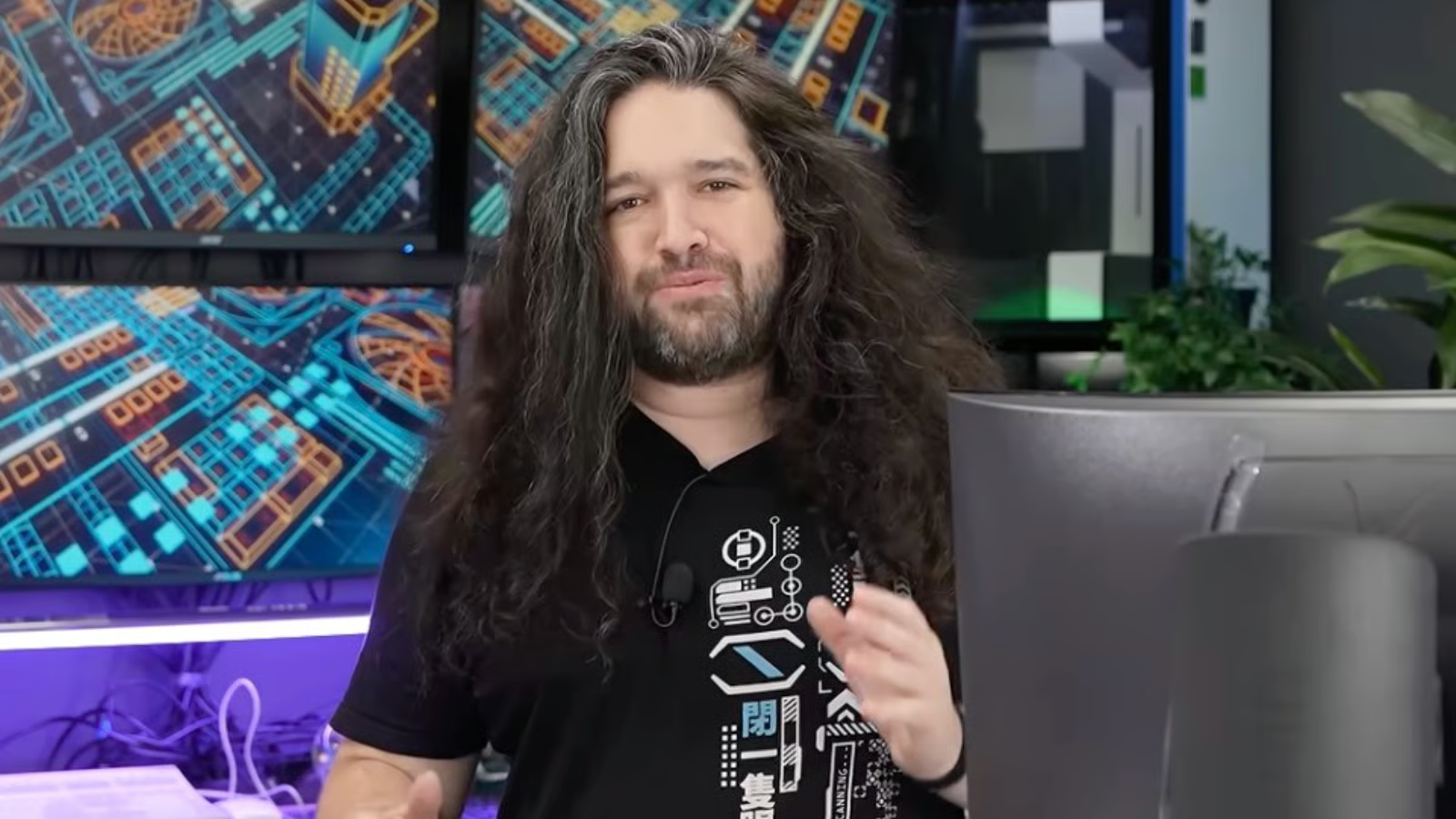
The issue gained attention after YouTube channel Gamers Nexus investigated reports from users who found the LG Monitor App Installer appearing on their systems through Windows Update without being prompted.
Once installed, the app displayed recurring ads promoting a free antivirus trial, along with occasional promotions for other LG software.
Microsoft says LG will disable the pop ups
Responding to complaints on social media, Microsoft Executive Vice President of Windows and Devices Pavan Davuluri said the company had contacted LG about the issue.
“We’ve connected with the team at LG and as an immediate next step, they have agreed to disable the McAfee pop-up from their app,” Davuluri wrote. “We appreciate LG working with us toward a shared goal of a better experience for our mutual customers. We will keep improving here with our ecosystem partners.”
According to Ars Technica, the LG Monitor App Installer is distributed alongside monitor driver updates through Windows Update using Microsoft’s Hardware Support App framework.
The feature allows companion apps for supported hardware to install automatically when devices are connected under certain conditions.
Gamers Nexus said it reproduced the behavior across multiple Windows 11 systems using an LG UltraGear monitor, with the antivirus advertisement appearing on nearly every boot after the app had been installed.
The outlet also observed occasional promotions for other LG software, including LG Switch, LG Calibration Studio and LG Dual Controller.
LG said the installer itself does not automatically install antivirus software and that users must explicitly agree before the antivirus program is installed. However, the company agreed to remove the promotional pop-ups following Microsoft’s intervention.
